
Product capability
Local-First NotebookLM Research Extension | Mervadon
Understand how Mervadon keeps Workspace records in the browser by default, requests page access by intent, and avoids collecting cookies or passwords.
Built for control
Your research. Your browser. Your call.
Mervadon is designed around explicit user actions and a narrow data boundary.
Browser-local records
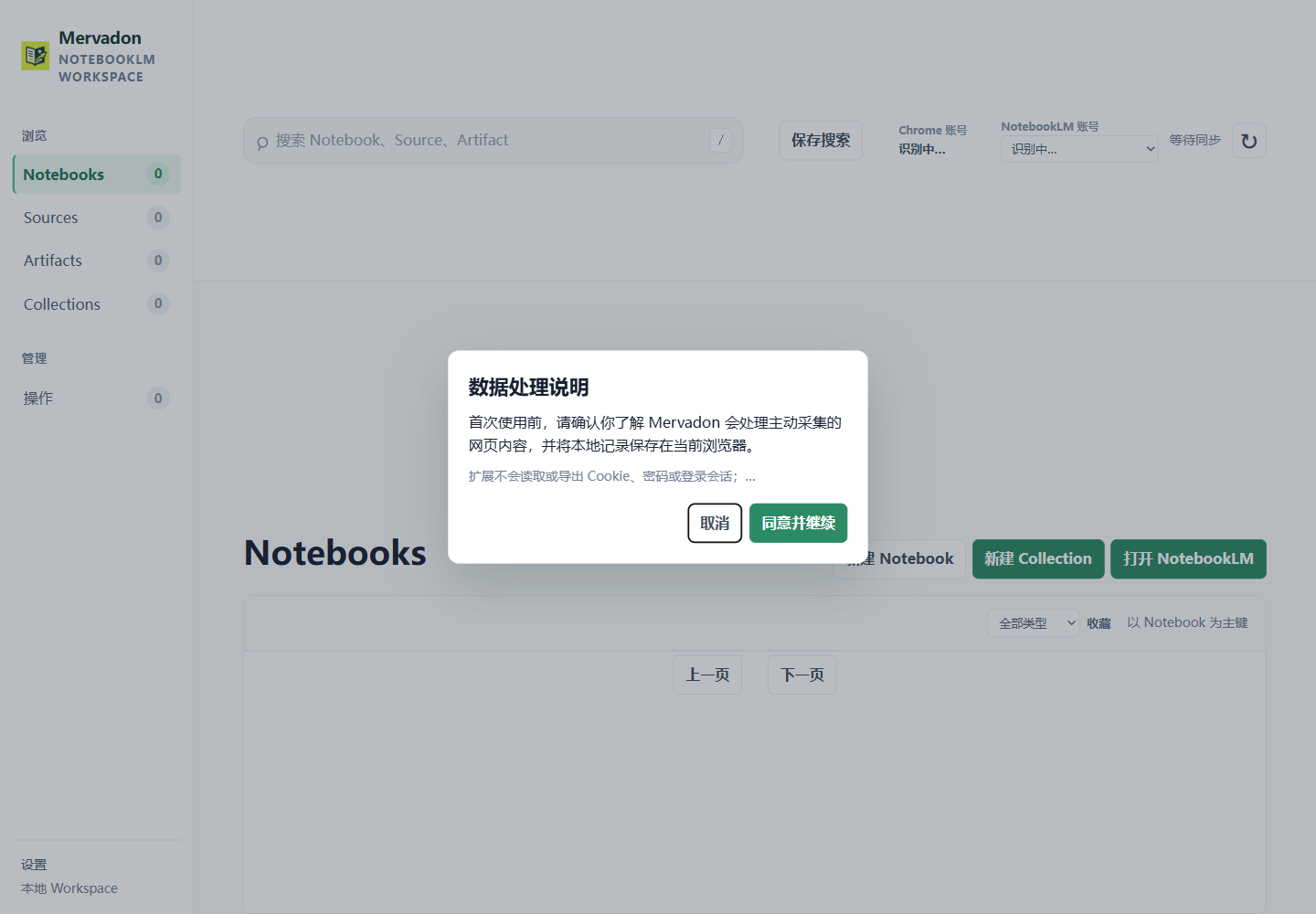
Workspace records use the current browser's local storage by default. No Mervadon cloud account is required.
Permission by intent
Page access is requested when you use capture, not as a blanket promise to read every page.
No credential collection
Mervadon does not read or export browser cookies, passwords, or authentication tokens.
Recoverable failures
Failed operations remain visible and actionable instead of being presented as completed.
What local-first means here
Local-first describes the default location of Mervadon Workspace records and organization. It does not mean that NotebookLM itself is local. When you explicitly use a signed-in NotebookLM page, the requested action occurs in that page context.
What Mervadon does not promise
Mervadon does not bypass authentication, collect Google credentials, provide an official Google API, or operate a cloud sync layer. Read the complete privacy policy before installing.
Start with a clear boundary
Use the installation guide to understand the first permission prompt and the NotebookLM connection guide to understand the signed-in page requirement.
Make the next source easier to trust.
Start with a local-first workspace around your NotebookLM research.