Save useful context.
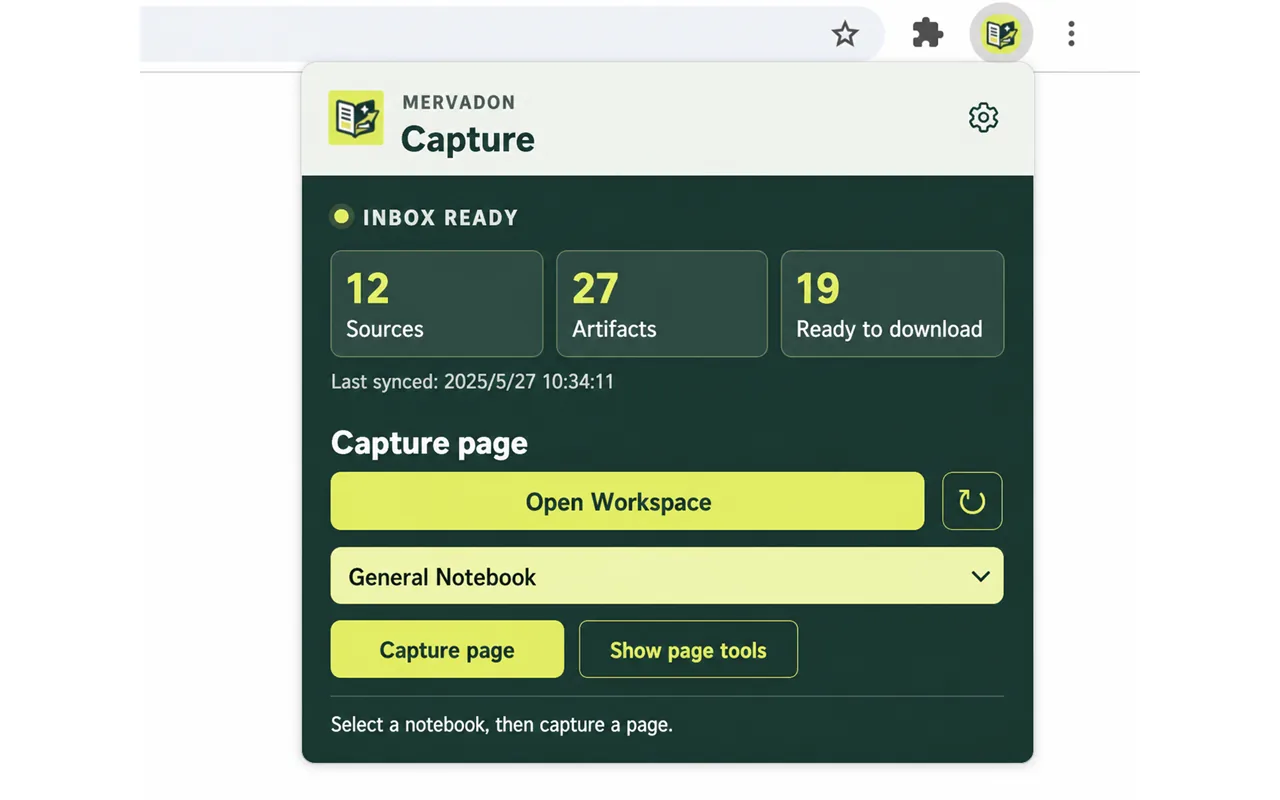
Capture a full page, selected passage, submitted URL, or supported conversation.
 MervadonResearch workspace
NotebookLM Chrome extension
Mervadon sits between web research and your NotebookLM workspace. Capture pages, selected passages, URLs, and supported AI conversations, then keep the source trail visible in your browser.
One connected loop
Capture a full page, selected passage, submitted URL, or supported conversation.
Normalize URLs and compare text locally so repeated captures can reuse the source record.
Use a signed-in NotebookLM page to import selected sources, refresh state, and review artifacts.
What Mervadon does
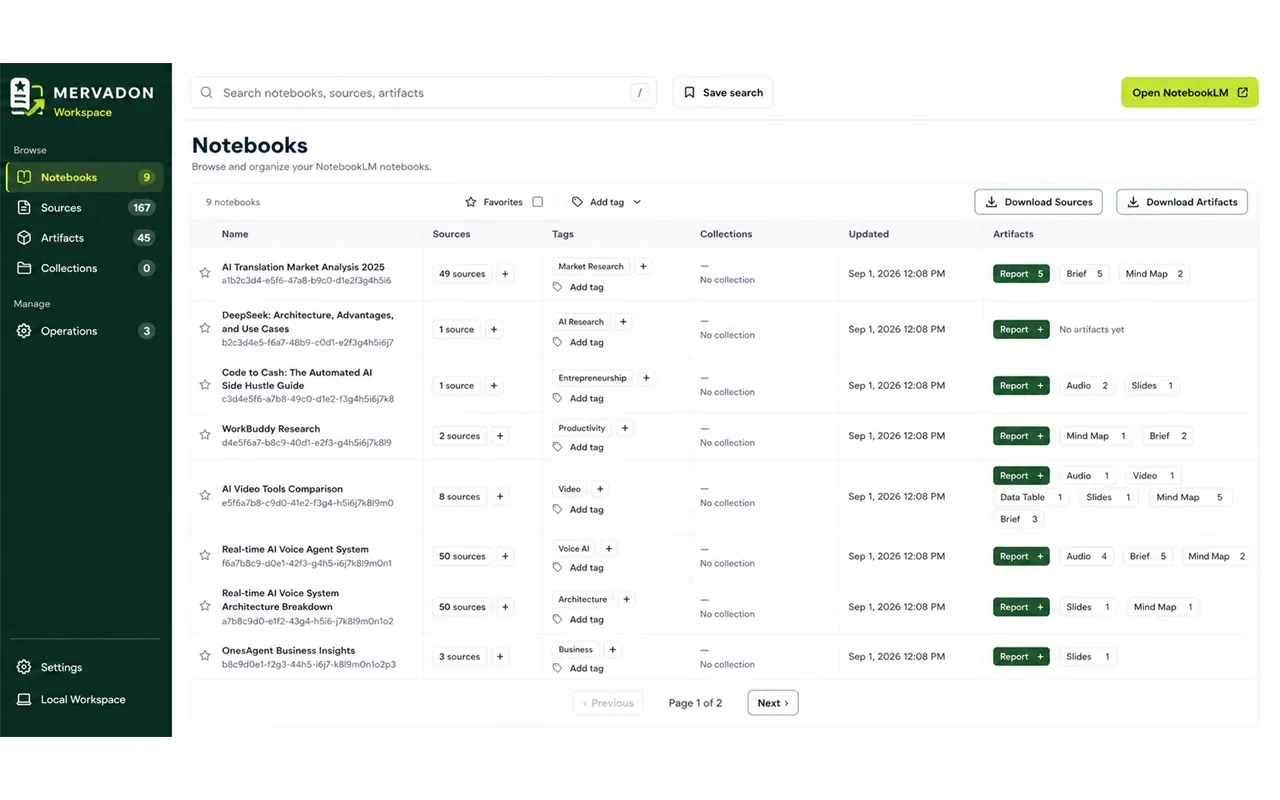
Keep page titles, URLs, selected text, and source metadata together before you import anything.
Explore source capture →Search local records, track status, and keep research context close.
Explore source organization →No Mervadon cloud account is required. Workspace records stay in the current browser by default.
Read the privacy boundary →Product snapshots
Representative Mervadon interface states for capture, organization, and Workspace management.

Questions, answered
No. It organizes source capture and Workspace actions around the NotebookLM interface; NotebookLM remains the destination for your research.
Workspace records are stored in the current browser by default. Mervadon does not operate its own cloud account or sync layer.